
How to Log In to a TikTok Account: Password, Mailbox Codes, 2FA Key or Cookie
October 19, 2026
BuyTikTokAccounts Support Desk· Customer support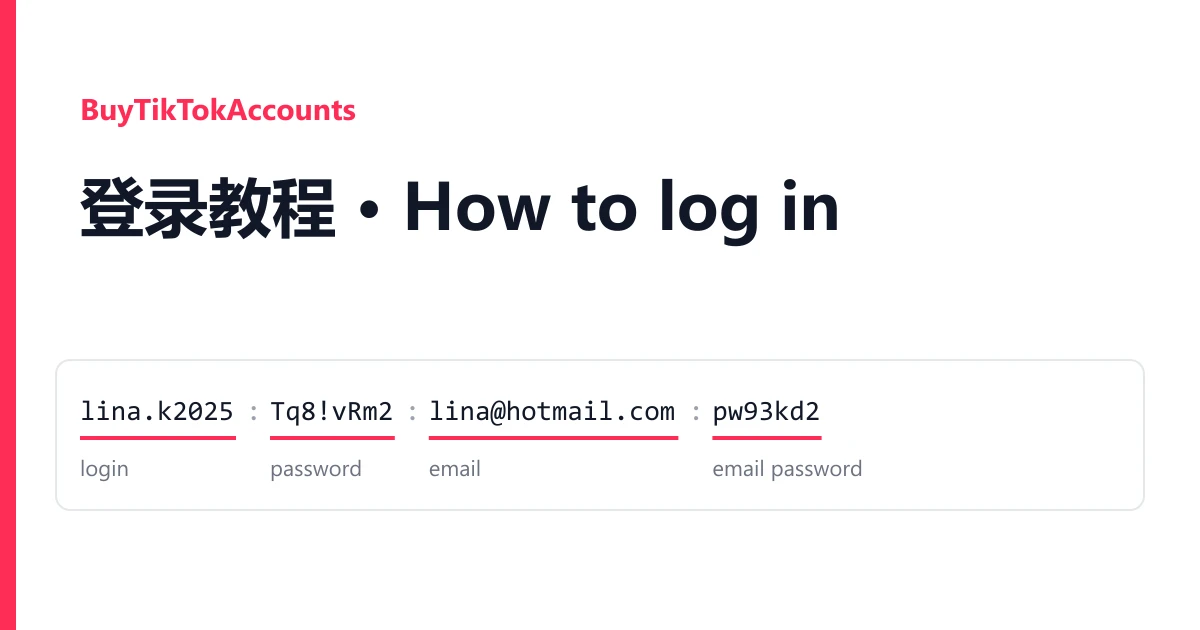
A TikTok account from BuyTikTokAccounts is one line on your order page. Most lines hold the TikTok login and its mailbox; some add mail tokens or a 2FA key; one listing delivers a cookie only. This guide shows which part you type where.
Reading your line
Fields are joined by semicolons, pipes, colons or dashes, depending on the listing. Two real shapes, with invented values:
lina.k2025;Tq8!vRm2Lp;Lina2025@hotmail.com;pw93kd2;tiktok.com/@lina.k2025
login ; password ; email ; email password ; profile link

lina2025@hotmail.com|Tq8!vRm2Lp|lina2025@hotmail.com|pw93kd2|M.C527_BL2.0.U.-Ab...
login | password | email | email password | refresh token| Field | What it is for |
|---|---|
| Login, password | Signing in to TikTok. The login can be a username or an email |
| Email, email password | Opening the mailbox where TikTok sends codes |
| Refresh token, client ID | For programs that read mail through Microsoft's API. You sign in to the mailbox with the address and password instead |
| 2FA key | Turned into a 6-digit code when TikTok asks |
| Profile link, mail key, recovery mail, country | Not needed to sign in |
Signing in
- In the TikTok app or on tiktok.com, choose Log in, then the email or username option, and log in with a password.
- Enter the login and password, each copied on its own.
- If TikTok sends a code by email, open the mailbox with the email and email password (Outlook and Hotmail at outlook.live.com).
- If it asks for an authenticator code and your line has a 2FA key, paste the key into the online 2FA code generator.
Cookie-only lines open in a desktop browser: install Cookie-Editor, open tiktok.com, choose Import, paste the JSON cookie and refresh.
If it fails
The mailbox will not open on the web. Some listings say their mail works only through IMAP in a mail program; the listing gives the settings.
The password is refused. Copy it again with no separator attached.
The cookie leaves you on the login page. That session has ended.
Warranty
Open a ticket from your order page within the warranty window shown on the listing, name the account and attach a screenshot. It is replaced from the same listing, or refunded if the listing has run out. Signing in never voids the warranty. Bans caused by bulk or automated activity are not covered A listing that states it has no after-sales support has none. Every listing is in the catalogue.